What the frontend-design skill does
frontend-design is a single SKILL.md of about 1,500 words from Anthropic's official skills repository. It does not add components or a CSS framework. It changes how Claude approaches a design:
- Ground the design in the subject. If the brief does not say what the product is, Claude proposes a concrete subject, audience and main job for the page and confirms it before designing.
- Make deliberate choices. The skill asks for chosen typefaces rather than defaults, a clear type scale, and line lengths under 80 characters.
- Plan, review, build, critique. Claude drafts a small token system, checks it against the brief, then builds and critiques the result.
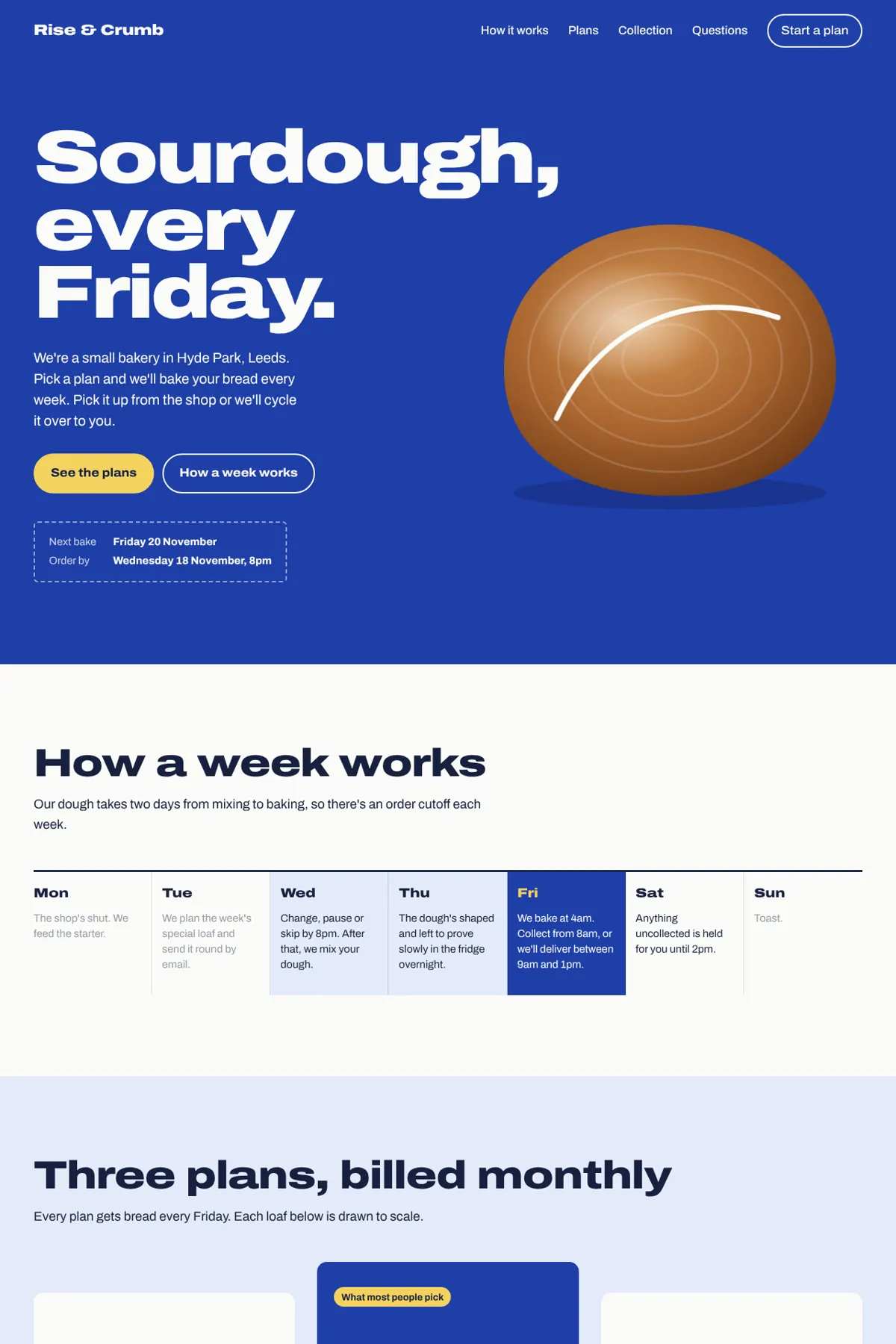
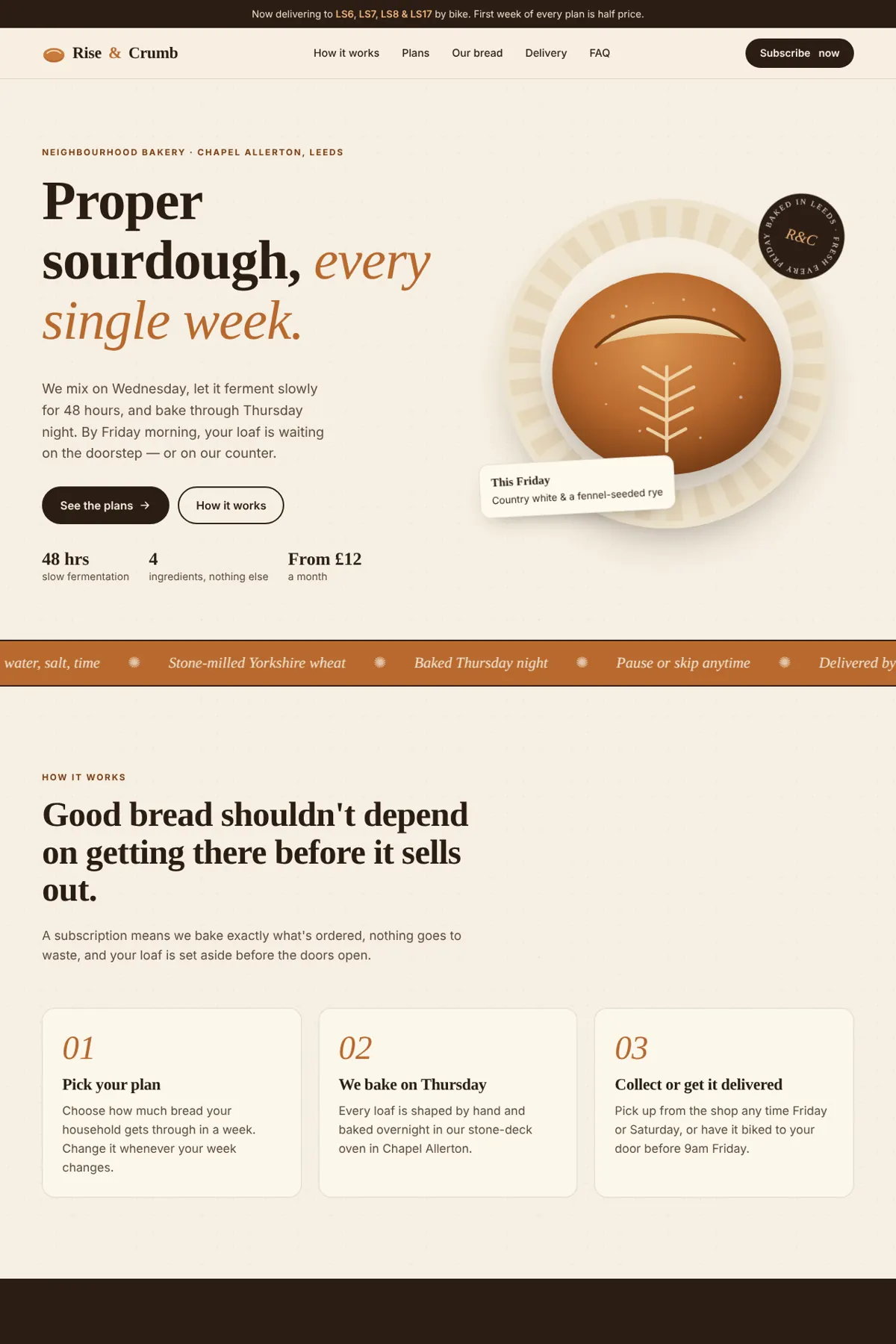
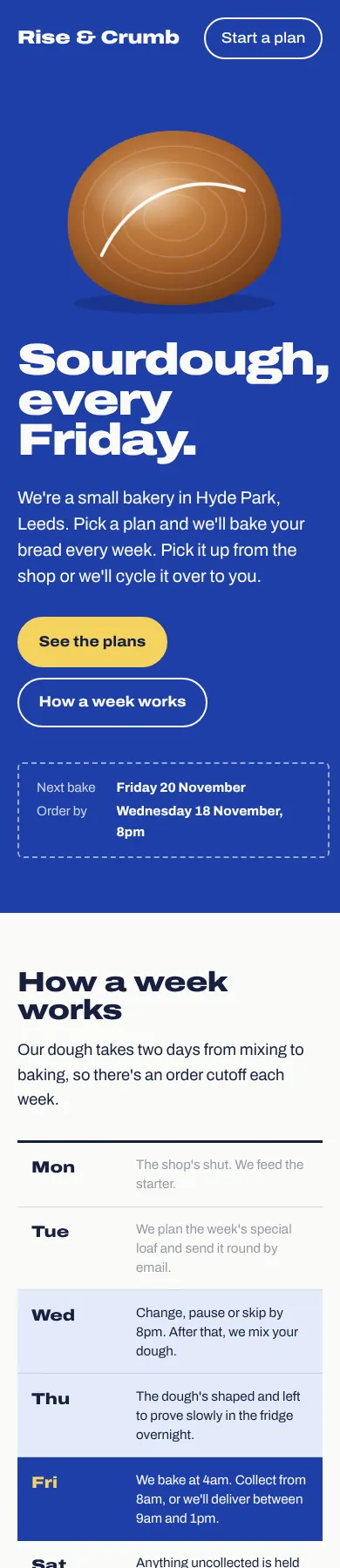
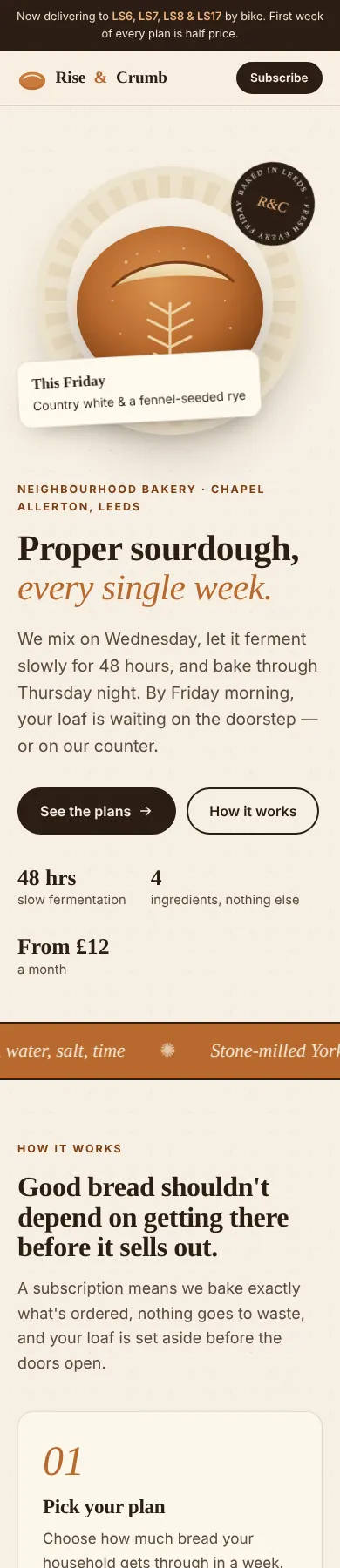
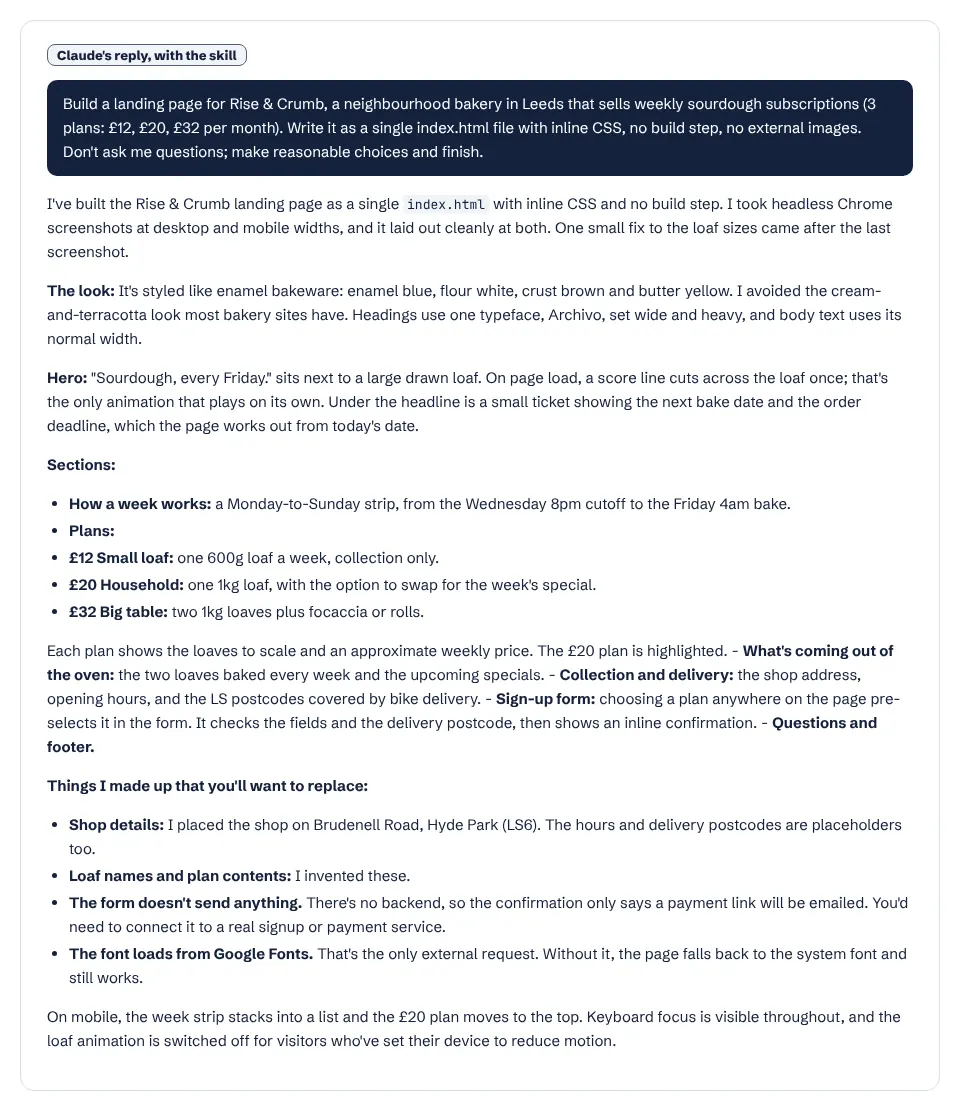
In our hands-on test this changed the outcome visibly: the same bakery brief produced an enamel-blue page instead of the cream-and-terracotta look Claude chose without the skill. You can compare it with the other skills we have run in the tested skills list.
What SKILL.md tells Claude
In short, the file asks Claude to work like the design lead of a studio whose client has already rejected anything templated. Its main rules:
- Start from the subject's world. The industry, materials and vocabulary of the subject are where distinctive choices come from; a toy for children and a dashboard for analysts should look nothing alike.
- Make the hero the most characteristic thing about that subject, and treat "big number, small label, gradient accent" as a default to avoid unless it is truly the best fit.
- Type carries the personality: one or two deliberately chosen families, a clear scale, lines under 80 characters.
- Know the current AI defaults and do not spend design freedom on them: cream backgrounds with a terracotta accent, near-black with one acid accent, identical rounded cards with soft shadows, all-caps labels above every heading.
- Structure must carry meaning: numbered markers only for real sequences, motion used once and on purpose.
- Plan first (4–6 named colours, type roles, an ASCII layout sketch), compare the plan with the brief, then build.
- Critique with screenshots, keep accessibility and mobile as a floor, and remove one accessory before you finish.
It ends with guidance on interface copy: plain, specific words written from the user's side. This is our summary; the full text is in the anthropics/skills repository under the Apache 2.0 licence.
When Claude uses it
The frontend design skill's description tells Claude to use it when building new UI or reshaping an existing one. In Claude Code you can also run it directly by typing /frontend-design; the install guide explains where skills live and how slash commands get their names.
Frontend-design or another design skill?
Several skills in the design and frontend category touch the same work. They answer different questions:
| Skill | What it handles | Choose it when |
|---|---|---|
| frontend-design | The overall visual direction of a new page or redesign | You need a look that fits this brief, not a template |
| web-design-guidelines | Reviewing UI code against Vercel's Web Interface Guidelines | You want an audit of accessibility and UX rules in existing code |
| ui-ux-pro-max | A searchable library of styles, palettes and font pairings | You want ready-made options to pick from |
| emil-design-eng | Interaction polish: press states, transitions, timing | The layout is set and the details need to feel right |
| review-animations | A strict review of animation and motion code | You have animations and want them judged |
Use one direction-setting skill at a time. Frontend-design, impeccable and ui-ux-pro-max all try to set the look of a page, and their advice can conflict; pair one of them with a review or motion skill instead.
Good to know
- The frontend design skill is instructions only: no scripts, nothing to install beyond the folder. You can check the file's frontmatter with our SKILL.md validator.
- The frontend design skill folder includes its own
LICENSE.txt(Apache 2.0).