SkillsBot.org

Apple Design Skill

apple-design, by GitHub user dickwu, is a design-review skill that checks mobile and desktop app designs against Apple's Human Interface Guidelines. It bundles 123 HIG pages so Claude quotes the guideline behind each fix instead of working from memory.

  • License Not stated
  • Installs 15K
  • GitHub stars 3.3K
  • Audits 2 of 3 passed

Our hands-on test, by SkillsBot.org

We asked Claude to review an iPhone checkout screen against Apple's guidelines

Plain Claude already found the big problems in our checkout mockup: a hand-drawn Apple Pay button that App Review would reject, a total at 2.1:1 contrast, cancellation terms at 1.75:1, 22-pixel quantity buttons and six tabs. With apple-design, the review quoted Apple's Human Interface Guidelines by file and heading for each fix, gave the exact SwiftUI and UIKit calls, corrected the touch-target minimum (28 pt minimum, 44 pt default, where plain Claude said 44 pt minimum) and added a section on making the screen look less generic. It cost about twice as much ($0.69 against $0.37) and took 107 seconds against 70.

  • InstallWorked2 s with the skills CLI
  • Picked up on its ownYesinvoked apple-design
  • Time1 min 46 s1 min 9 s without the skill
  • API cost$0.69$0.37 without the skill

The task, word for word

Review the design of checkout.html, a mockup of the checkout screen in our coffee shop's iPhone app, and save a prioritised list of fixes to design_review.md. Don't ask me questions; make reasonable choices and finish.

With the skill

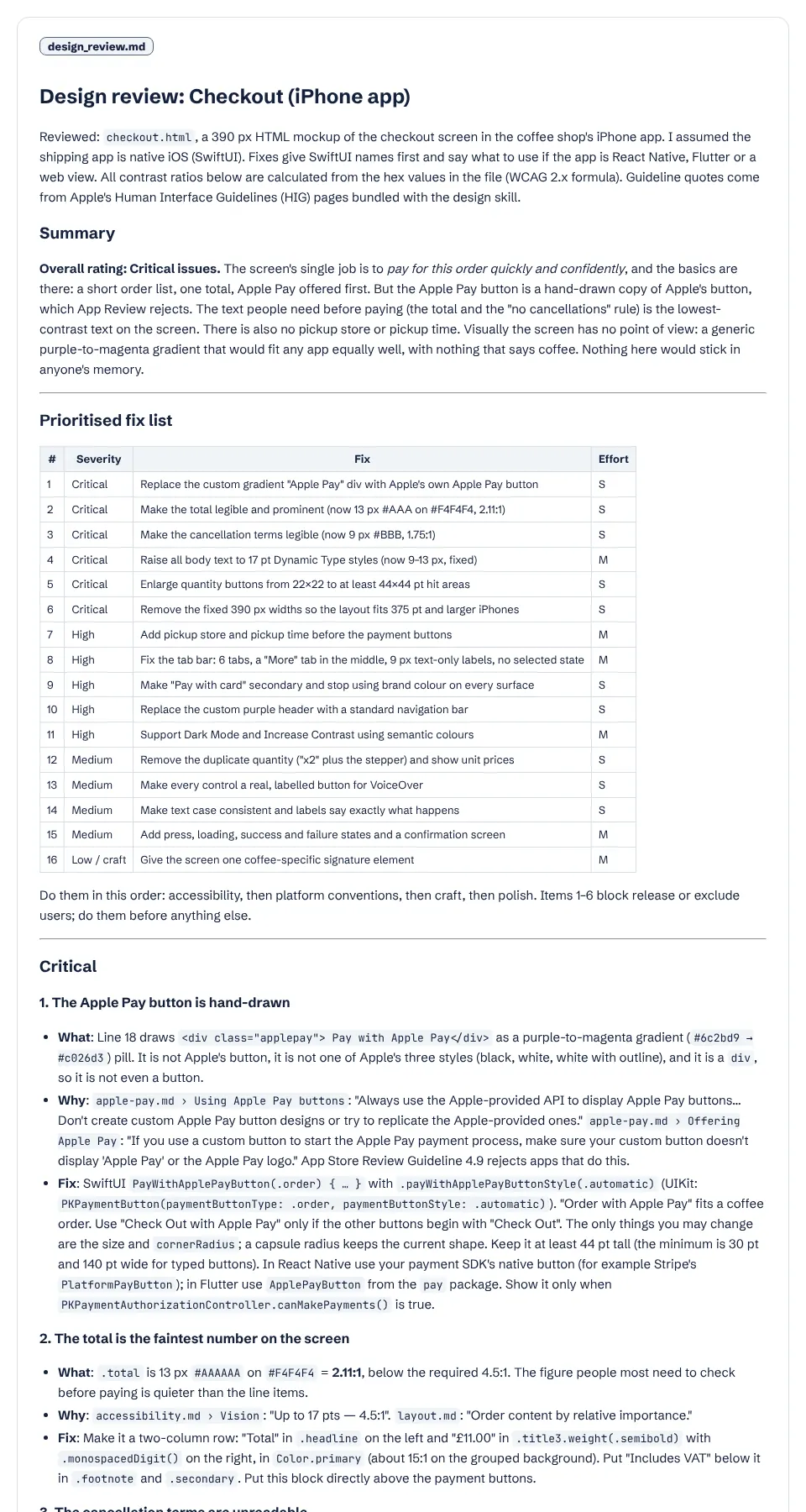
Design review written with the apple-design skill: a summary rating and a 16-row table of fixes with severity and effort

Without the skill

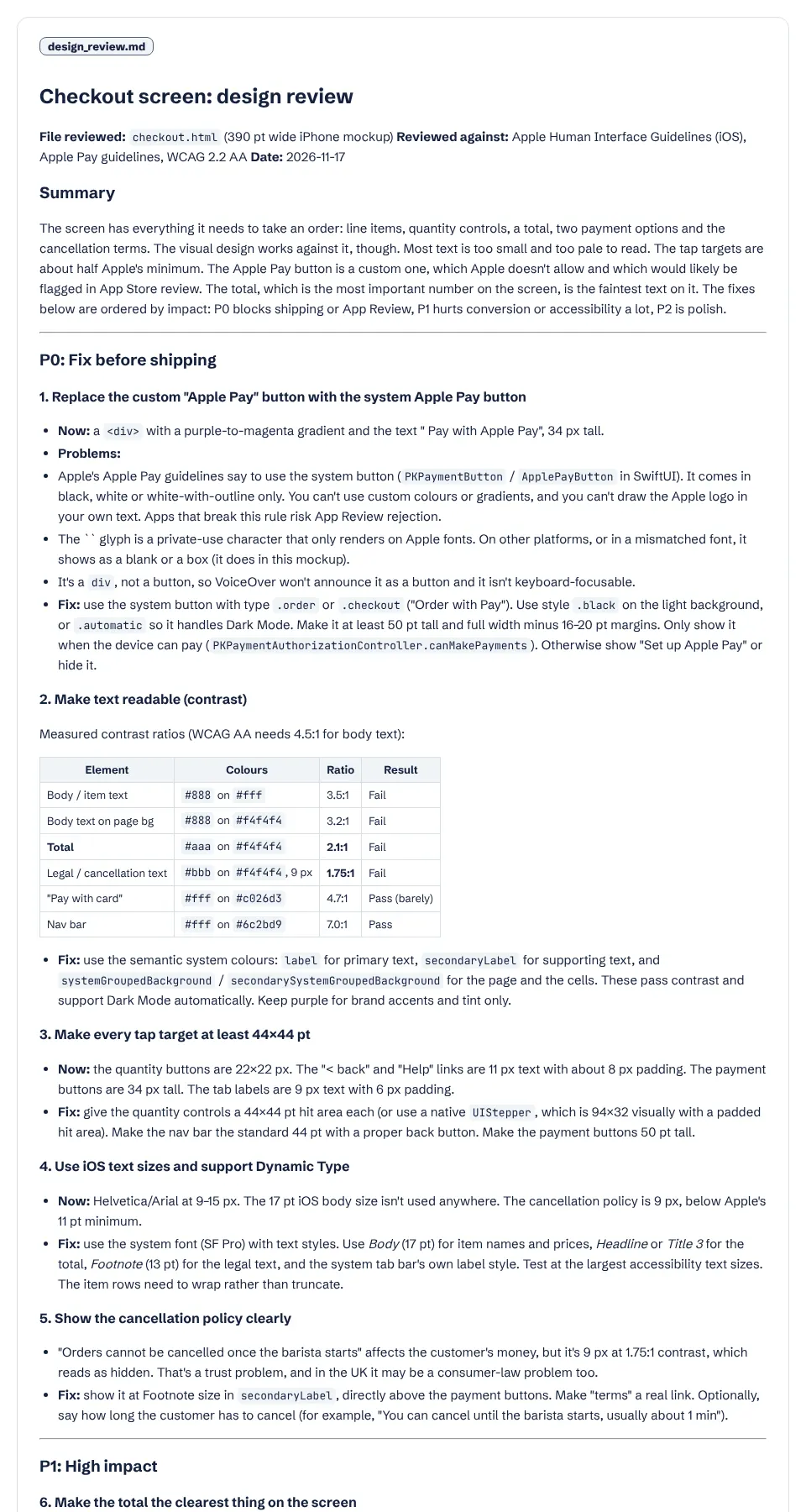
Design review written without the skill: a summary and fixes grouped P0 to P2 with a contrast table
The top of design_review.md. Both put the Apple Pay button first; the skill's version rates the screen “Critical issues” and sizes each fix S or M. Full size: with the skill, without.

With the skill

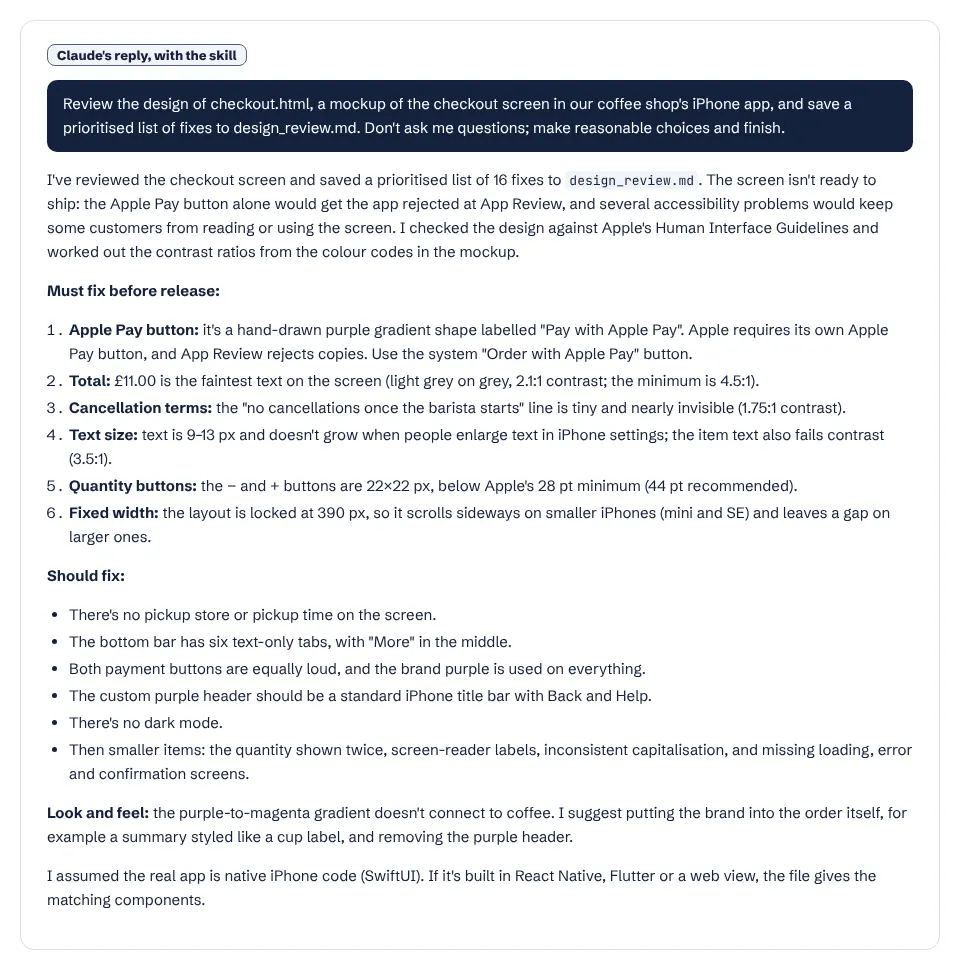
Claude's summary with the skill, listing six must-fix items

Without the skill

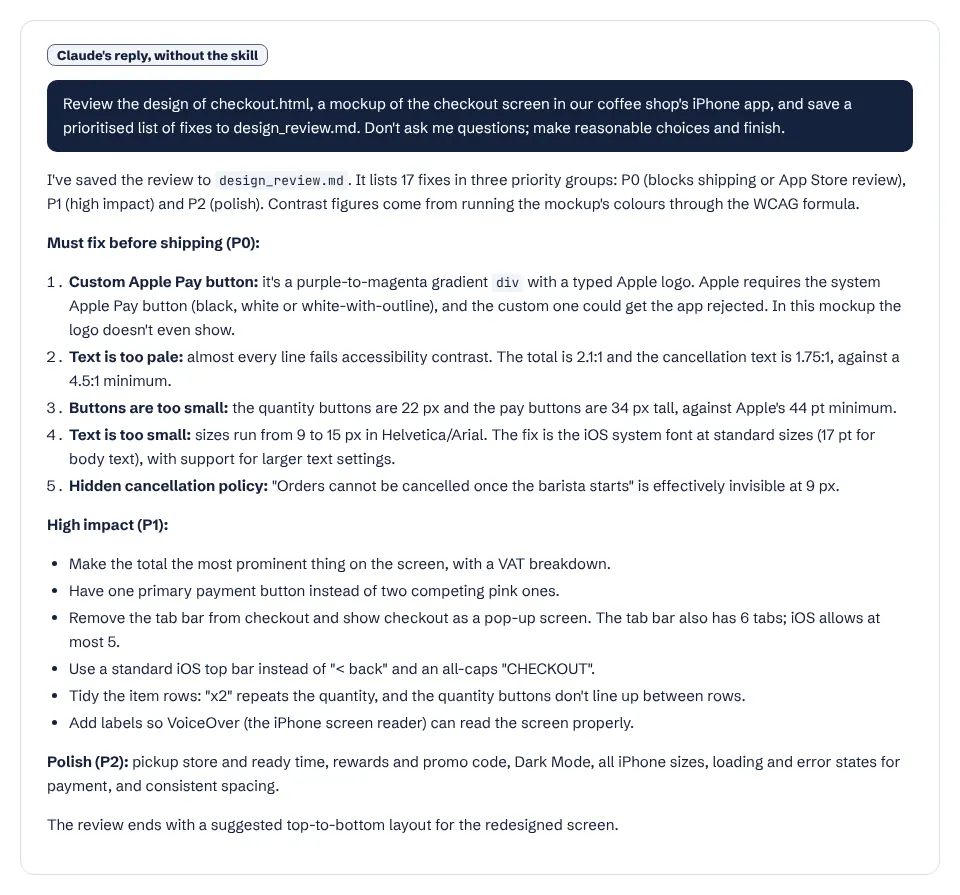
Claude's summary without the skill, listing five P0 items
Claude's summaries. The must-fix lists overlap almost item for item. Full size: with the skill, without.

What it actually did

  1. Invoked the apple-design skill unprompted.
  2. Opened the bundled HIG pages the skill's tables point to (accessibility, layout, typography, color, designing for iOS, Apple Pay, buttons, tab bars, branding) and its code-audit guide.
  3. Worked out contrast ratios from the hex values in the file with a short script.
  4. Wrote a 2,814-word review: 16 fixes in a table with severity and effort, then one section per fix with what is wrong, a quoted guideline and the fix.
  5. Gave SwiftUI names first and the React Native and Flutter equivalents for the Apple Pay button.

Where it helped

  • Every guideline claim is a quote with its source page, such as “apple-pay.md › Using Apple Pay buttons”, so you can check it.
  • More precise numbers than plain Claude on touch targets and text sizes.
  • Covers states plain Claude also raised (loading, failure, confirmation) plus a design-craft section the skill asks for.

Limits we hit

  • The core findings were the same without the skill; plain Claude's 1,763-word review was already usable.
  • About twice the cost and 50% more time.
  • The craft section (“nothing here would stick in anyone's memory”) is opinion, not guidelines, and the review says so.

Use it for

  • Reviews you need to defend to a team or to App Review, where each point needs a citation.
  • Apple Pay, widgets, Live Activities and other areas where Apple's rules are specific and change often.
  • Flutter, React Native, Tauri and Electron apps that should still feel native on Apple devices.

One run with the skill and one without, same prompt, fresh folders, Claude Code 2.1.326 in headless mode. How we test skills. Every skill we have tested.

Last updated . The apple-design skill is made and maintained by dickwu; SkillsBot.org is an independent directory and is not affiliated with it.

Use apple-design in Codex, Cursor and GitHub Copilot

apple-design is a standard Agent Skills folder, so the same files work in other coding agents. Name the agent when you install:

Parts of a skill that rely on Claude Code features, such as subagents or / commands, may behave differently elsewhere. Paths for each agent are in our install guide.

Apple Design Skill facts

Author
dickwu
Repository
dickwu/apple-design-skill
License
Not stated
Installs
15K
GitHub stars
3.3K
First seen on skills.sh
Mar 27, 2026
SKILL.md length
4,123 words
Other files
None

Security audits on skills.sh:

Installs, stars, first-seen date and audits from skills.sh on November 16, 2026. SKILL.md read from GitHub the same day.

What the apple-design skill does

The skill casts Claude as two reviewers at once: one who knows Apple's Human Interface Guidelines well, and a studio design lead who keeps the design from looking like every other app.

The references. It ships 123 Markdown pages pulled from developer.apple.com, including 57 component pages, plus guides to Liquid Glass, cross-platform naming (Flutter, React Native, Tauri, Electron), what to search for in source code, and a summary of Apple's archived guidelines from 1980 to 2014.

How a review works. Claude always loads the accessibility, layout, typography and colour pages and the iOS or macOS overview, then 3 to 6 more pages for what is on screen, using routing tables: Apple Pay screens load apple-pay.md and buttons.md, tab bars load tab-bars.md, and so on. It must read a page before citing it and cite the file and heading. If no page covers a point, it says the point is its own judgment.

When it triggers

On requests to review, audit or critique an app's UI, including HIG compliance, accessibility, dark mode, Apple Pay buttons, widgets, onboarding, App Review rejections over design, or "make this look less generic". It also triggers when you share screenshots, mockups or UI code and ask for feedback. It covers SwiftUI, UIKit, AppKit, Flutter, React Native, Tauri and Electron.

Good to know

The skill name is apple-design; we list it as apple-design-dickwu to tell it apart from other skills with that name. In our test it found the same main problems as plain Claude, but backed each fix with a quote and cost about twice as much. See more design skills.

Apple Design Skill: FAQ

How do I install the apple-design skill?

Run npx skills add dickwu/apple-design-skill --skill apple-design.

Does it only work for native iOS apps?

No. It applies the guidelines as design principles to Flutter, React Native, Tauri and Electron apps too, and translates Apple's terms for each.

How current are the guidelines?

The pages are pulled from Apple's site, and a bundled script regenerates them. The SKILL.md notes Apple's changes through October 2026.